
Purchase Order Updates
New Statuses
Auto Reconciliation
Receiving Zero Items
Supplier RMA #
Ticket Item Search Optimization
Inventory Lock System
Phone Number Formatting on Tickets
Inventory Count Sheet ®“ Inactive Catalog Items
Inventory Valuation Reports ®“ Inactive Catalog Item filter
Productivity Report Export
Custom Forms Settings
Inventory Import
QBO Integration and Editing Catalog Items or Item Types
RepairQ Release 1.13.10 is packed with fixes, updates, and improvements ®“ check it out!
✓ Purchase Order Updates ✓ Ticket Item Search Optimization ✓ Phone Number Formatting on Tickets ✓ Inventory Valuation Reports ®“ Inactive Catalog Item filter
✓ Supplier RMA # ✓ Inventory Lock System ✓ Inventory Count Sheet ®“ Inactive Catalog Items ✓ Productivity Report Export
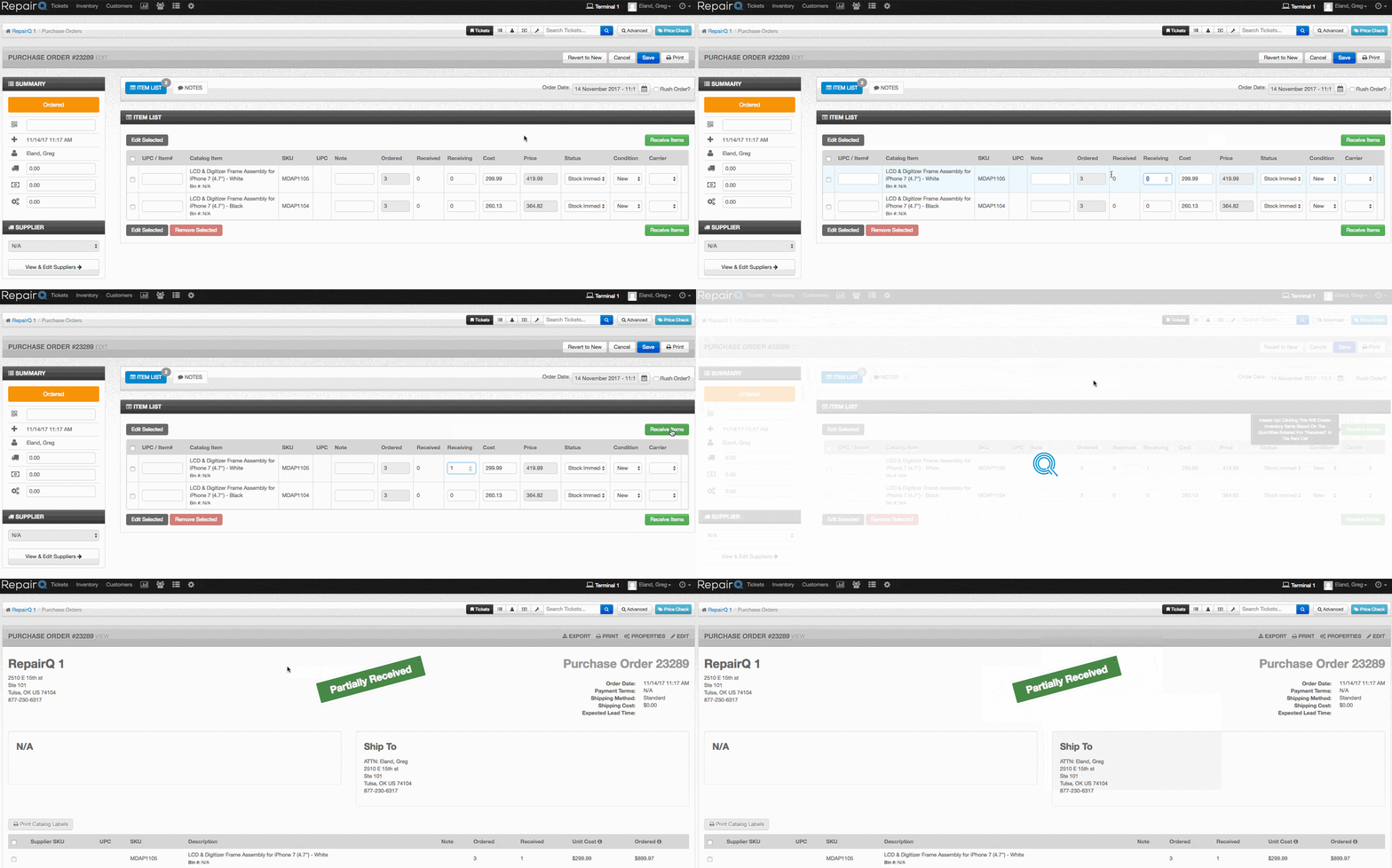
Purchase orders received a number of updates designed to help you process and track POs even faster. New statuses were added to help track shipping and receiving easier.
- Shipped = When an internal PO has been completely fulfilled from the supplier location
- Partially Shipped = When an internal PO has been fulfilled in part
- Partially Received = When a PO has been only partially received
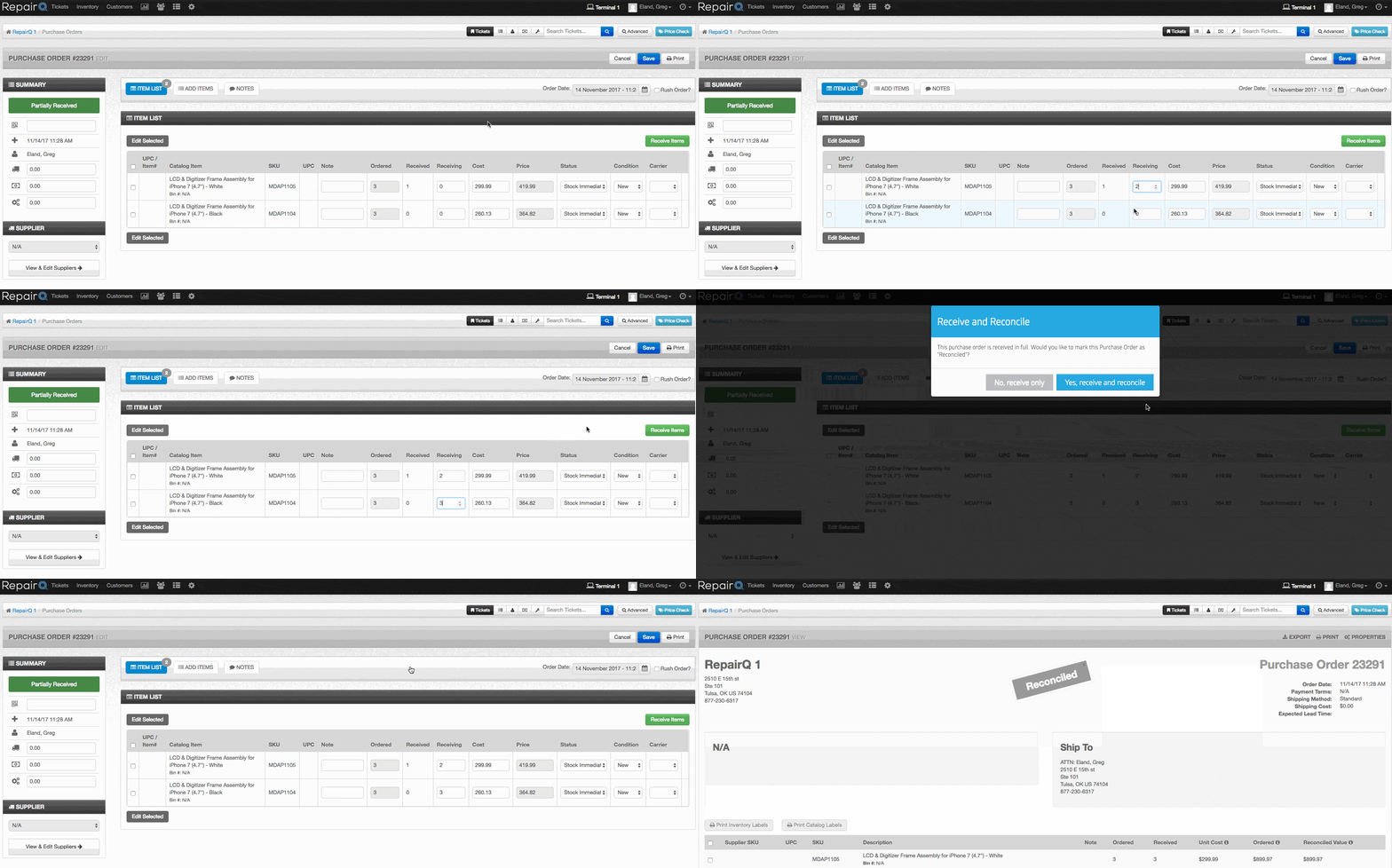
When receiving a PO in full, RepairQ will ask if you want to move the PO to the reconciled status automatically.
RepairQ will no longer permit you to receive zero items so that the “received® status is not misleading.
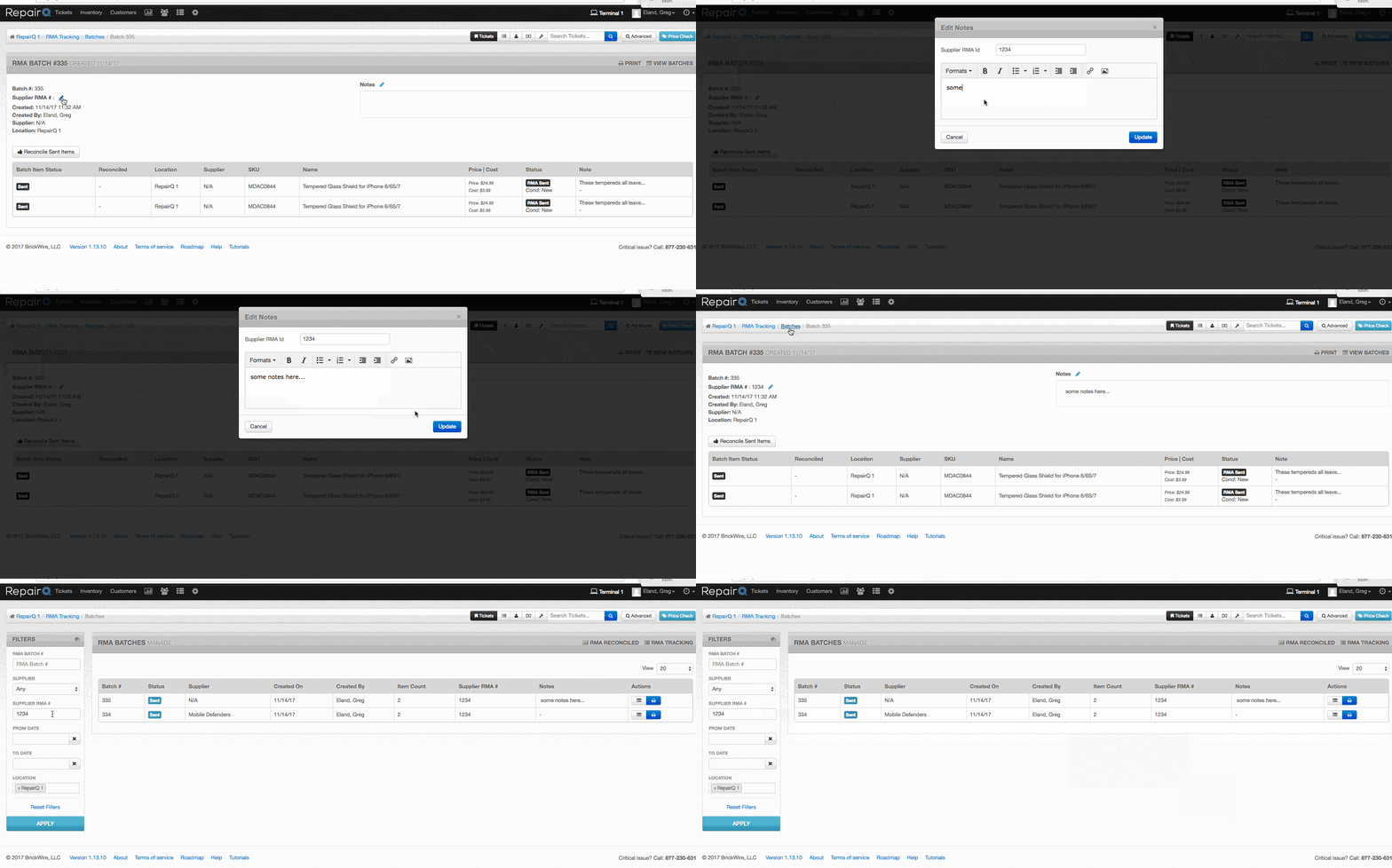
We added a new “Supplier RMA #® field to RMA batches where you can note the RMA # that the supplier provides.
Ticket item searches are now considerably faster, and in most cases return results in less than 0.5 seconds! Inventory added to a ticket will be immediately reserved system-wide. If the item is removed or the ticket is abandoned without saving, then the item will become available again. This adds an automated system for preventing double-use of an item, while releasing the item automatically in the event the item is not used.
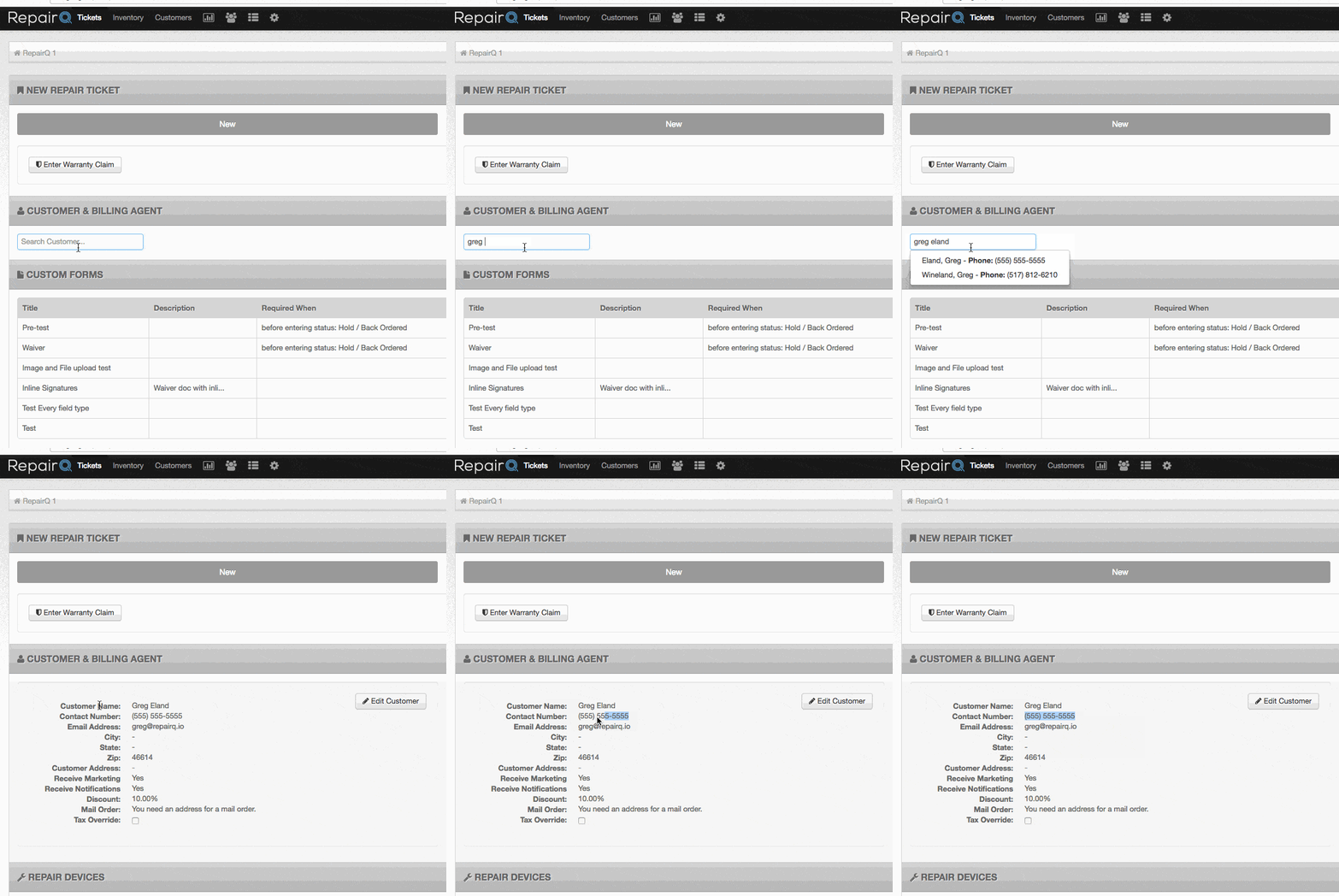
The customer’s phone number on tickets displayed an unformatted version, but now it will display formatted according to your locale (as it does elsewhere in RepairQ).
Inactive catalog items will no longer be recognized by the scan/search to add counts on the inventory count sheet. Inactive catalog items will now be excluded from results by default, and inactive items can be included in the results by setting the “Include Inactive Catalog Items® filter. The “Repairs by Tech® productivity report export was dropping digits after commas. This has been resolved. We now prevent configuring a “before leaving status® of “closed® or “void,® because it could cause trouble with closing a return. We now throw feedback errors when you try to import inventory under a non-inventoried catalog item. If you had the Quickbooks Online Integration enabled at one location, but not others it could prevent you from editing the catalog item. This has been resolved.




 Our website uses cookies as further described in our