Skip to content

1.7.0 Release

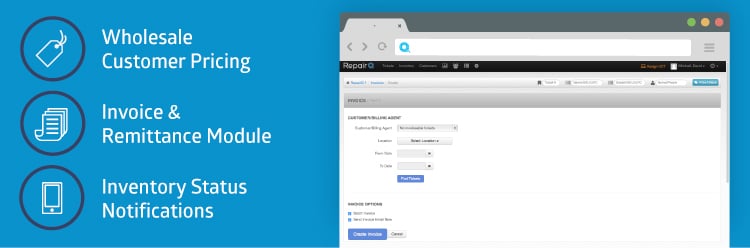
Release 1.7.0 Highlights Wholesale Customer Pricing Invoice & Remittance Module Manage Customer Billing Agent Create & Send Invoices Receive Invoice Payments Automatic Notifications ®“ Inventory Status Changes Release Notes Wholesale Customer Pricing Invoice & Remittance Module (Early Release) Automatic Notifications ®“ Inventory Status Changes A customer may be designated as a wholesale customer. If the […]

1.6.3 Release

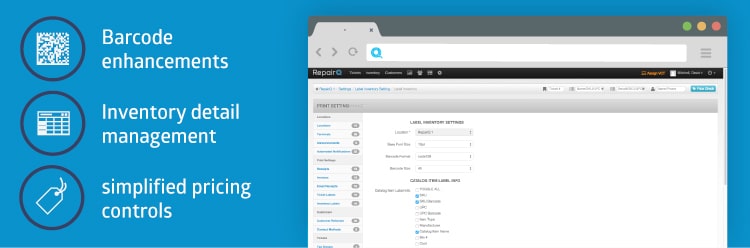
Release 1.6.3 Highlights Barcode Enhancements Inventory Detail and Process Management Inventory Search ®“ Context Switching Simplified Pricing Controls for Inventory Purchase Order Improvements (Round 1 of 2) Repair Device Intake ®“ improve efficiency 1.6.2 release notes: RepairQ 1.6.3 release is now live! Barcode Enhancements Inventory Detail List Inventory Search ®“ Context Switching Simplified Pricing Controls for […]

1.6.2 Release

1.6.2 release notes: RepairQ 1.6.2 release is now live! Here are some of the highlights: Ticket Queue Info ®“ added a new column to the ticket queue that displays contextual information about the ticket. For example, repair tickets list the devices, refurbish tickets list the refurb items, sale tickets list the items sold, etc. Ticket Item User […]

1.6.1.2 Minor Release

RepairQ 1.6.1.2 minor release is now live! This minor release is focused entirely on the inventory screen. In the 1.6.1 release we inadvertently removed some capabilities that many of you relied on. This release is our effort to make things right again, and give you a few upgrades that we hope you appreciate. For those of you waiting for this […]

1.6.1.1 Minor Release

RepairQ 1.6.1.1 minor release is now live! Here are some of the highlights: Inventory Instock Filter ®“ The inventory screen now has a “show only instock® filter so you can browse your instock inventory without all the extra items. Hide Cost on VCT ®“ It is now possible to hide your cost on the price check screen […]

Inventory Page Updates

Several performance optimizations for the inventory list/search screen were released in RepairQ 1.6.1. Along with these optimizations we included some tweaks and changes that we have wanted to do for awhile now, most of which were aimed at bringing more clarity to the inventory list. In the process, we inadvertently removed some functionality that many of you expressed to […]

1.6.1 Release

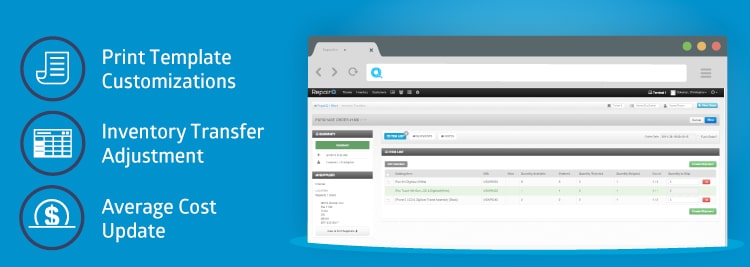
1.6.1 release notes: RepairQ 1.6.1 release is now live! Here are some of the highlights: Print Template Customizations ®“ customize what information displays on each of the following print views: ticket receipt, ticket invoice, ticket label, ticket receipt email, and inventory label. Inventory Adjustment Enhancements ®“ transfer groups of inventory items between locations using the inventory adjustment […]

1.6 Release

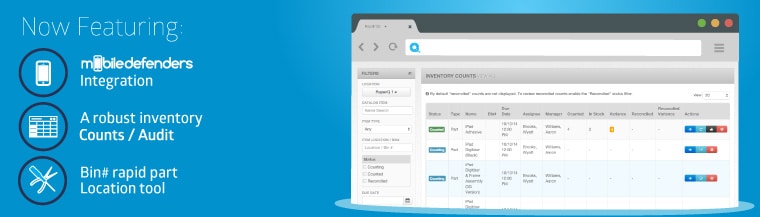
1.6 release notes: RepairQ 1.6 release is now live! Here are some of the highlights: Mobile Defenders Integration ®“ Order parts from Mobile Defenders directly within your RepairQ purchase order with a single click! Costs are automatically loaded from Mobile Defender’s database so you can price check items as you build your purchase order, and purchase prices are loaded […]

1.5.5.1 Release

1.5.5.1 release notes: RepairQ 1.5.5.1 release is now live! Here are some of the highlights: Internationalization support for date formatting, currencies, etc. System log optimization ®“ the system log runs much faster now Customer search optimization Fixed some issues with ordered quantities calculated from Purchase Orders Fixed several quirks related to tradein and refurb tickets […]

1.5.5 Release

1.5.5 release notes: Watch a video about the 1.5.5 release RepairQ 1.5.5 release is now live! Here are some of the highlights: Inventory Adjustment System ®“ With this new addition you can easily update inventory quantities for a catalog item and make bulk price updates. In other words, you can manage inventory at the catalog item […]