Skip to content

RepairQ Release 1.13 Has Arrived

RepairQ® 1.13 is Here!

Qsite™

Customer Service Site

Four ways to use Qsite

Point of Sale Improvements

____

Auto-add Scanned Items

Quick Cash Buttons

Features Testing in a Closed Beta*

QuickBooks Online Integration

Accounting Journal

Classify, Export & Sync

Want to become a Beta user on this or future releases? Click below to join the ranks!

Not using RepairQ yet?

Get access to Qsite and all the other great features of RepairQ today!
We’re super excited to announce that the first of several big releases this summer and fall for RepairQ is here! Keep reading for an in-depth look at the awesome, feature packed 1.13 release.

 width=

1.877.230.6317

 width=

We’re super excited to announce that the first of several big releases this summer and fall for RepairQ is here! Keep reading for an in-depth look at the awesome, feature packed 1.13 release.

 width=

____

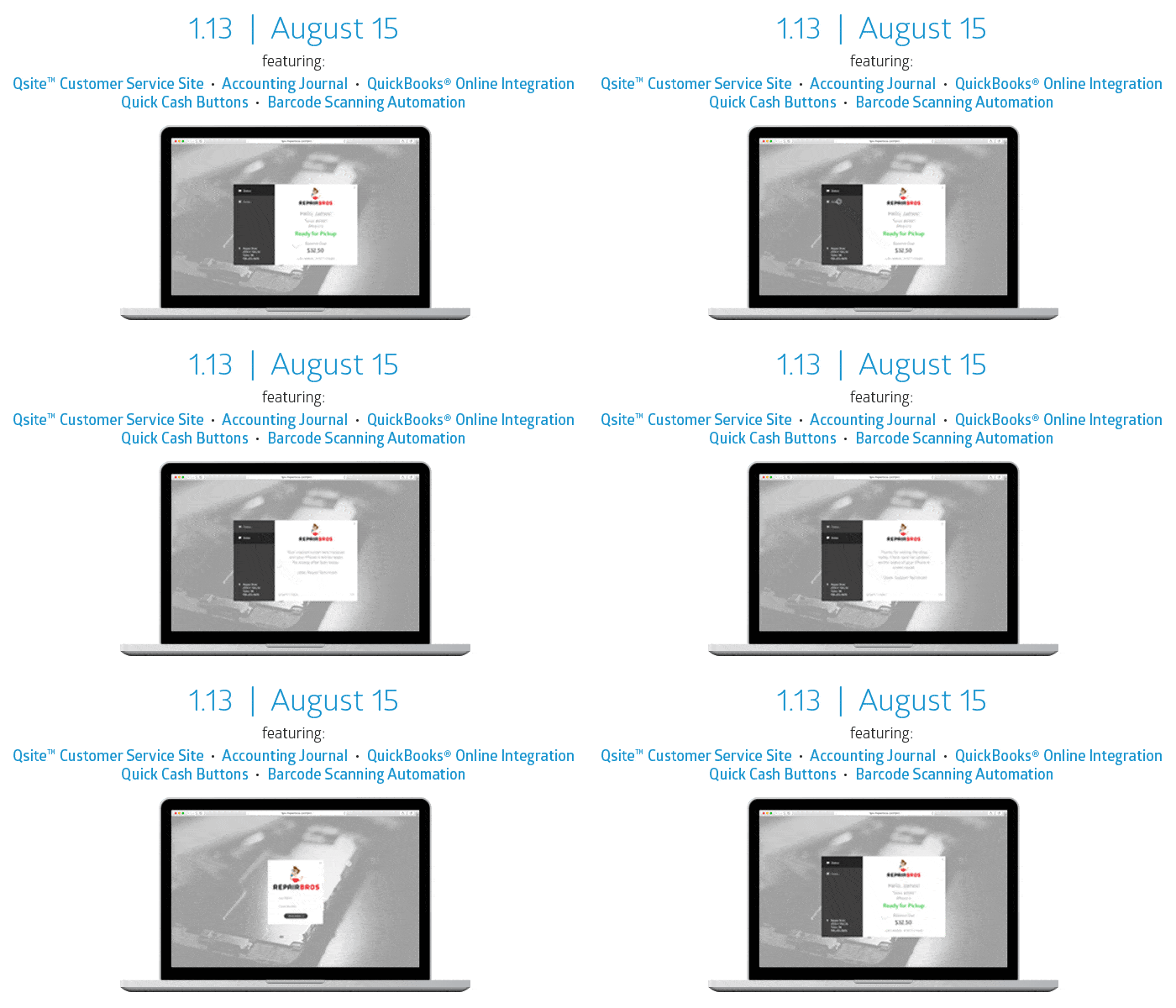
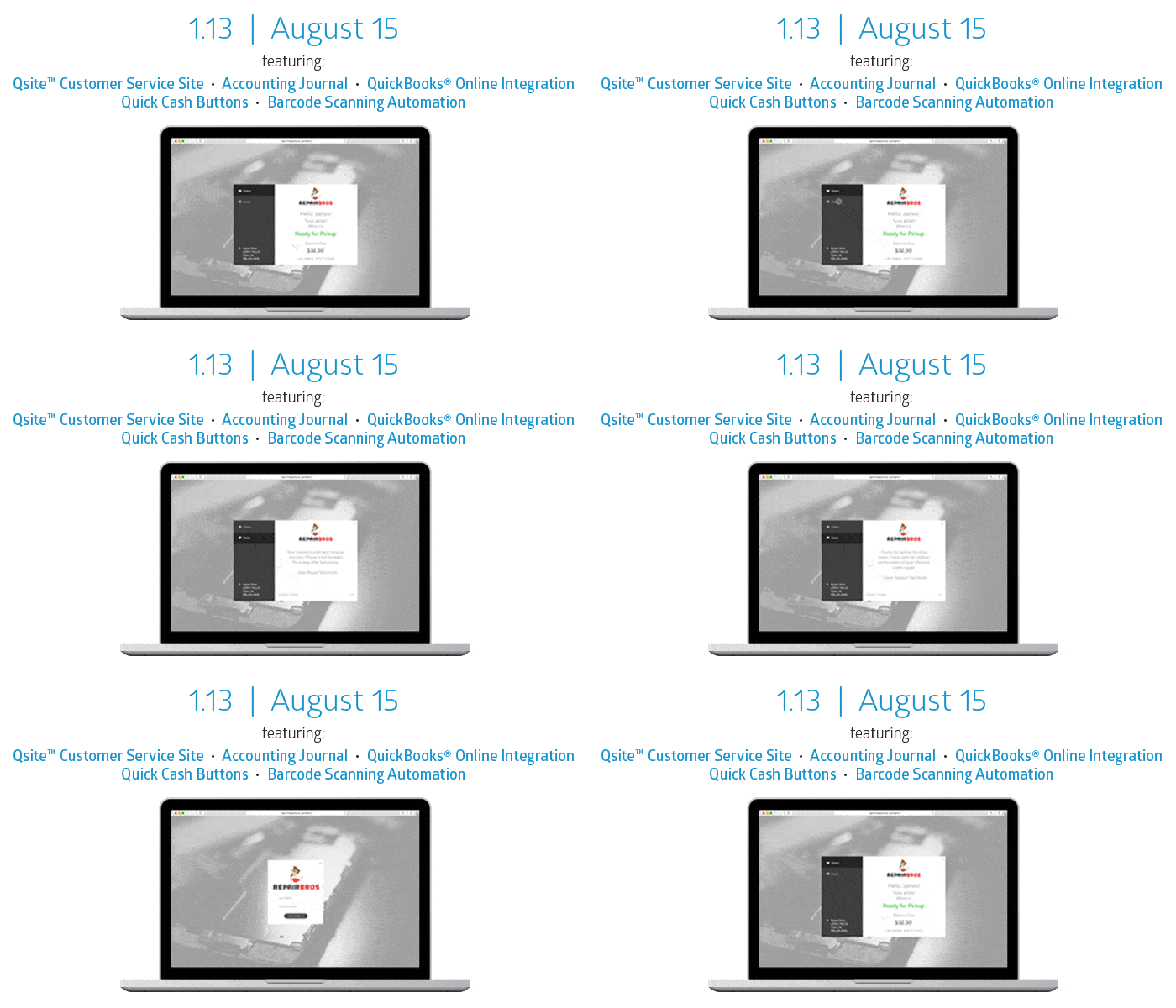
Qsite is the newest companion app to the RepairQ family that provides your business with a customer service site. A whole suite of features are planned for Qsite this year! Coming first in 1.13, Qsite will provide your customers with public-facing tools to review their ticket details, status, and notes.

 width=

Send customers directly to your turnkey, mobile-friendly Qsite page hosted by RepairQ.

 width=

Embed Qsite objects into a webpage on your website to control placement and style. (available upon request)

 width=

Use our APIs to build your own integration using Qsite data. (available upon request)

 width=

Insert your dynamic Qsite shortcode in automated messaging to your customers via email and SMS.

We are excited to announce that our point of sale is receiving many improvements this summer & fall! Several new features have been designed to reduce the amount of time for processing tickets. Release 1.13 introduces two brand new features designed to reduce the time it takes to sell an item and the time it takes to take a payment.

 width=
 width=
 width=

Quickly export accounting files or sync with QuickBooks® Online to migrate the essential daily records your bookkeeper’s needs.

____

RepairQ’s new Accounting Journal makes importing daily journal entries to your accounting software much easier! Classify accounting data including revenue, COGS, Inventory consumed, tax liability, trades, net receipts, and deposits. Read more about the Accounting Journal Reporting here OR follow these steps to set up the integration now!

 width=

Match RepairQ accounting data with your accounting system’s chart of accounts, so that consolidated exports can be quickly prepared.

 width=

Export commonly importable file formats on a daily, weekly, or monthly basis, with all locations together.

 width=

QuickBooks Online users can sync RepairQ’s Accounting Journal with QBO to automate importing of journal records.

*To ensure this feature’s success, it will be released first to our Beta user group for testing, real-world use, and feedback before release to all RepairQ users. Not a Beta user? Don’t worry it will only take a few days to notify you as soon as it’s ready!

Your Voice is Valuable

Discuss releases, industry topics, and make suggestions for new features!

 width=

Knowlege Base

 width=

Ask a Tech

Al Seidl

Al Seidl

Al is responsible for ServiceCentral’s data center architecture and technology platforms, as well as implementation for our enterprise and global customers. Al is an information systems professional with over 30 years of experience.