
Release 1.7.1 Highlights Enterprise Invoicing Notification System Improvements Partial Refunds Release Notes Enterprise Invoicing Module Launch Notification System Improvements Partial Refunds The Enterprise Invoicing is now officially out of beta! A number of fixes and enhancements were introduced in this release related to the new module. A few of the more significant improvements are: All of the […]
Category: RepairQ
Live updates after 1.7.0

Invoice Beta Revisions: Invoice View & Print ®“ misc styling updates Invoice View & Print ®“ add tax id Invoice Email ®“ attach Invoice PDF instead of excel Invoice Creation ®“ find tickets by date created or date status updated Invoice Items ®“ add additional columns (customer, claim number) Features: Purchase Order Item List ®“ added “Pending […]
Profitability in cell phone repair doesn’t have to be a guess.

Repair Technician Labor Part Cost Overhead expenses for your store Learn more about tracking profit (COGS) in RepairQ by visiting https://support.repairq.io and search ®˜profit’. Want to see how RepairQ can provide your cell phone repair business with true ROI? Call us at 1-877-230-6318 One challenge that faces all repair businesses is determining the actual profit […]
1.7.0 Release
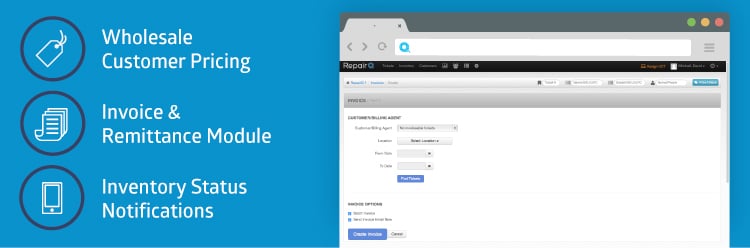
Release 1.7.0 Highlights Wholesale Customer Pricing Invoice & Remittance Module Manage Customer Billing Agent Create & Send Invoices Receive Invoice Payments Automatic Notifications ®“ Inventory Status Changes Release Notes Wholesale Customer Pricing Invoice & Remittance Module (Early Release) Automatic Notifications ®“ Inventory Status Changes A customer may be designated as a wholesale customer. If the […]
Opportunities to improve how you manage inventory
Mobile device repair issues 1. Most your inventory could fit in large suitcase. 2. All of your cell phone parts are expensive. 3. The mobile device parts market is volatile. 4. Most shops buy from multiple vendors How RepairQ helps 1. Organization is the key 2. Tracking costs, profitability & loss. 3. Managing one part with multiple vendors, […]
1.6.3 Release
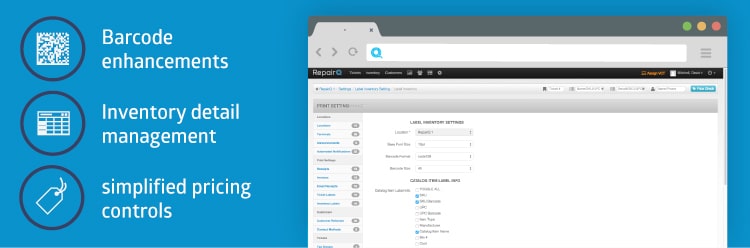
Release 1.6.3 Highlights Barcode Enhancements Inventory Detail and Process Management Inventory Search ®“ Context Switching Simplified Pricing Controls for Inventory Purchase Order Improvements (Round 1 of 2) Repair Device Intake ®“ improve efficiency 1.6.2 release notes: RepairQ 1.6.3 release is now live! Barcode Enhancements Inventory Detail List Inventory Search ®“ Context Switching Simplified Pricing Controls for […]
1.6.2 Release
1.6.2 release notes: RepairQ 1.6.2 release is now live! Here are some of the highlights: Ticket Queue Info ®“ added a new column to the ticket queue that displays contextual information about the ticket. For example, repair tickets list the devices, refurbish tickets list the refurb items, sale tickets list the items sold, etc. Ticket Item User […]
1.6.1.2 Minor Release
RepairQ 1.6.1.2 minor release is now live! This minor release is focused entirely on the inventory screen. In the 1.6.1 release we inadvertently removed some capabilities that many of you relied on. This release is our effort to make things right again, and give you a few upgrades that we hope you appreciate. For those of you waiting for this […]
1.6.1.1 Minor Release
RepairQ 1.6.1.1 minor release is now live! Here are some of the highlights: Inventory Instock Filter ®“ The inventory screen now has a “show only instock® filter so you can browse your instock inventory without all the extra items. Hide Cost on VCT ®“ It is now possible to hide your cost on the price check screen […]
Inventory Page Updates
Several performance optimizations for the inventory list/search screen were released in RepairQ 1.6.1. Along with these optimizations we included some tweaks and changes that we have wanted to do for awhile now, most of which were aimed at bringing more clarity to the inventory list. In the process, we inadvertently removed some functionality that many of you expressed to […]
 Our website uses cookies as further described in our